본문 바로가기

유튜브로 돈벌기

미드 저니를 이용한 이미지 및 동영상 만들기

반응형

✅ MIDJOURNEY 완전 사용 가이드 (v6 기준 / 실전용)


1. 미드저니 기본 구조

미드저니는
➡️ 디스코드에서
➡️ /imagine 명령으로 이미지를 생성한다.


2. 가장 기본 사용법

1️⃣ 디스코드 접속
2️⃣ Midjourney 서버 입장
3️⃣ 아무 채널에서

 
/imagine

입력
4️⃣ prompt 입력
5️⃣ Enter


3. 이미지 참고해서 만들기 (가장 중요)

이미지 기반 작업은 반드시

👉 프롬프트 맨 앞에
👉 이미지 파일을 먼저 첨부한다.

구조

 
[이미지 첨부] + 텍스트 프롬프트

이게 핵심이다.


4. 이미지 영향력 조절 (무조건 기억)

 
--iw 1.5

➡️ 첨부 이미지의 스타일과 구도를 더 강하게 따른다.

기본값 = 1
추천값 = 1.2 ~ 1.8


5. 비율 설정

 
--ar 1:1 --ar 9:16 --ar 16:9 --ar 2:3

6. 반드시 쓰는 버전 옵션

v7 사용

 
--v 7

7. 스타일 개입 최소화

 
--style raw

➡️ 프롬프트 충실도 ↑
➡️ 실사 / 변환 작업에 필수


8. 미드저니 프롬프트 구조 공식

가장 잘 먹히는 구조

 
무엇인지 (subject) 어떤 모습인지 (appearance) 무슨 행동인지 (action) 장면 / 배경 (environment) 조명 / 무드 (lighting, mood) 결과 스타일 (photo / 3D / illustration 등)

9. 실전 프롬프트 기본 템플릿

(이미지 첨부 후)

 
subject, appearance, action, background, lighting, style --ar ? --v 6 --style raw --iw 1.5

0205 (1).mp4
18.18MB


10. 애니메이션 → 실사화 할 때 공식

항상 이 구조를 쓴다.

 
realistic live action version of the character from the reference image, keep the same hairstyle, outfit and colors, natural human proportions, real person look, realistic skin texture, same pose and composition, no anime, no illustration, no cartoon

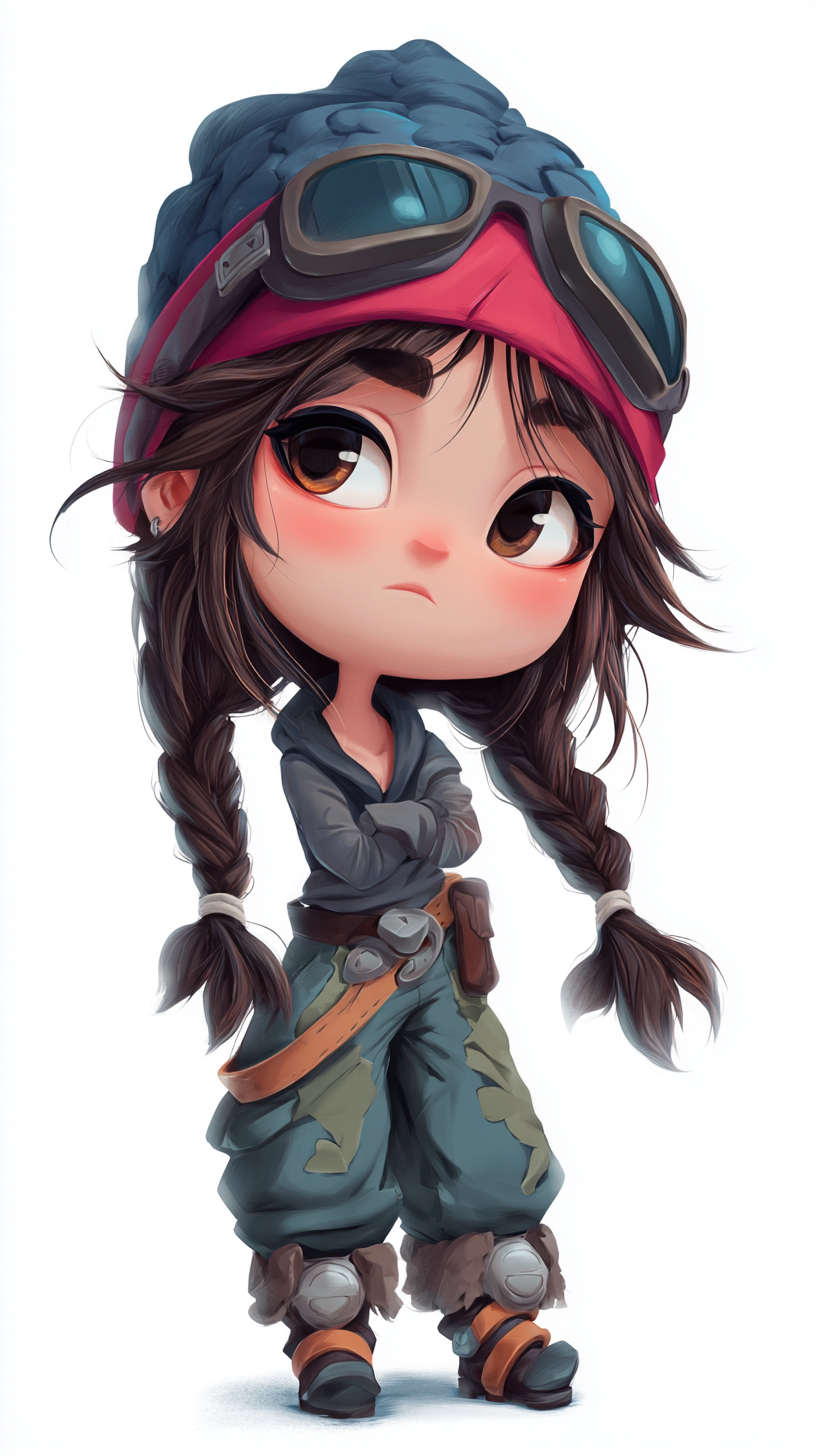
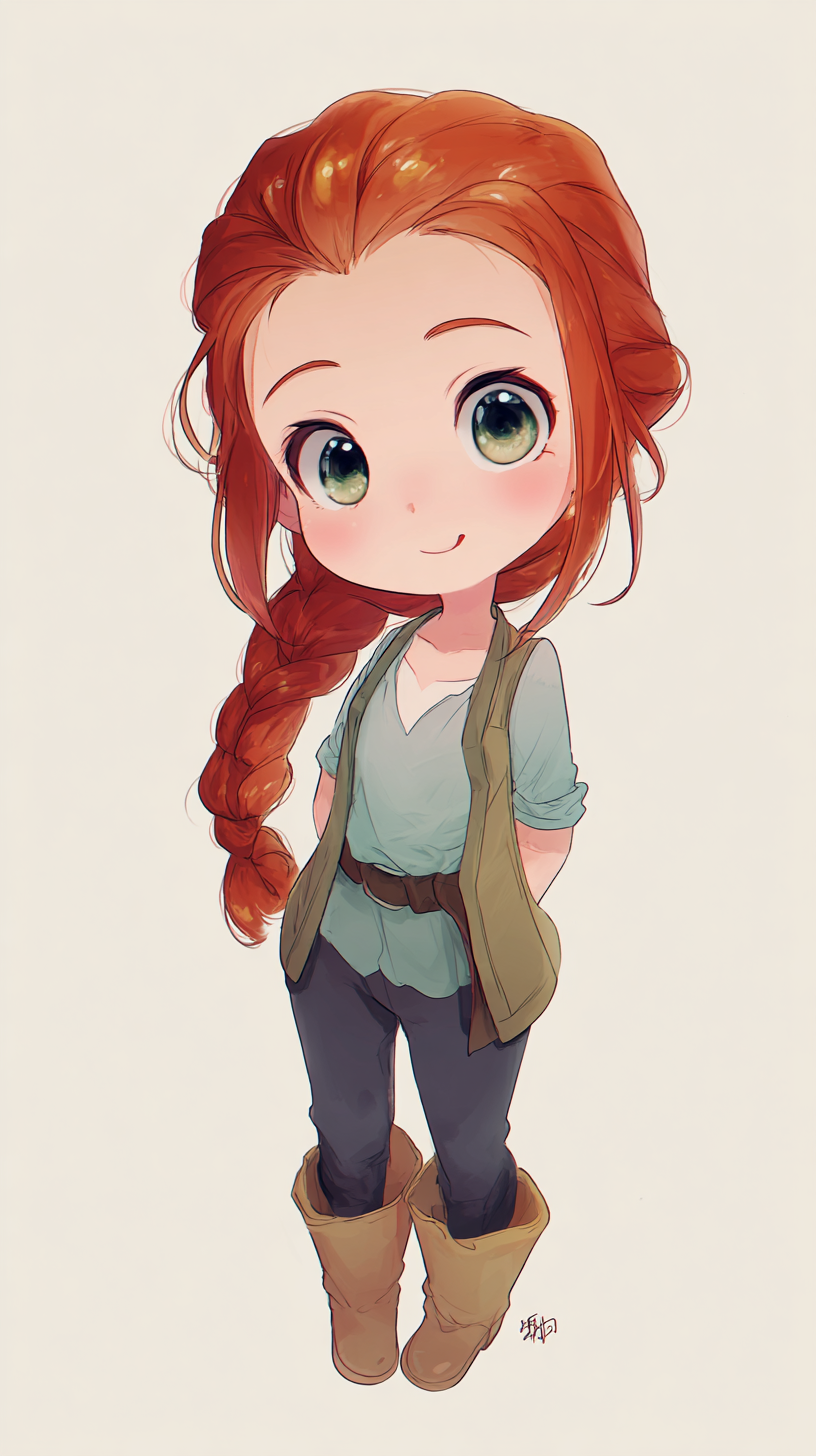
11. 치비 / SD 캐릭터 만들 때 공식

 
chibi style, SD character proportions, big head small body proportions, cute miniature figure

12. 손바닥 미니미 공식

 
standing on an open human palm

또는

 
sitting on an open human palm

13. 같은 인물 유지하고 싶을 때

(완전 중요)

 
same character, same face, same hairstyle, same outfit

그리고 반드시

 
--iw 1.5

14. 구도 유지하고 싶을 때

 
same pose and composition as the reference image

15. 실사 느낌 강화 문장

 
realistic photography, natural skin texture, soft studio lighting, clean background

16. 일러스트 느낌 강화 문장

 
high quality illustration, soft shading, clean lineart

17. 3D 피규어 / 미니어처 느낌

 
high quality 3D render, toy figure style, collectible figure look

18. 가장 많이 쓰는 부정어(망가짐 방지)

 
no anime no cartoon no illustration no watermark no text no logo

19. 결과 선택 후 다음 단계

U1 U2 U3 U4
➡️ 업스케일

V1 V2 V3 V4
➡️ 해당 이미지 기반 변형


20. Remix 모드 켜기 (필수)

디스코드에서

 
/settings

➡️ Remix ON

이걸 켜야
V 버튼 누를 때 프롬프트 수정 가능.


21. 가장 중요한 고급 기능 : Vary

업스케일 후

✔ Vary (Subtle)

➡️ 거의 유지하면서 살짝만 바꿈

✔ Vary (Strong)

➡️ 스타일 유지 + 구조 변화 큼


22. Character consistency 유지 요령

완벽하게 동일 인물 유지하려면

✔ 같은 참고 이미지 사용
✔ 같은 프롬프트 구조
✔ 같은 비율
✔ 같은 --iw 값


23. 미드저니에서 가장 많이 망하는 원인

❌ 프롬프트만 길고
❌ 이미지 참고 안 쓰고
❌ --iw 안 쓰고
❌ same pose / same style 안 쓰는 것


24. 절대 하지 말아야 할 것

❌ 스타일 단어만 잔뜩 나열
❌ lens, camera, cinematic 남발
❌ ultra, hyper, insane 같은 과장어 남발

→ v6에서는 오히려 품질이 떨어진다.


25. 너 같은 작업자에게 가장 중요한 3가지

✔ 이미지 먼저 첨부
✔ --iw 1.5
✔ --style raw


26. 너한테 가장 잘 맞는 실전 세팅 요약

 
/imagine (이미지 첨부) 프롬프트 --ar 원하는 비율 --v 6 --style raw --iw 1.5

27. 실전 예시 (통합 템플릿)

이미지 첨부 후 그대로 사용

 
realistic live action version of the character from the reference image, keep the same hairstyle, outfit and colors, natural human proportions, real person look, realistic skin texture, same pose and composition, clean background, soft studio lighting, no anime, no illustration, no cartoon, no watermark --ar 2:3 --v 6 --style raw --iw 1.5

28. 치비 미니미 템플릿

이미지 첨부 후

 
chibi style miniature figure, big head small body proportions, SD character style, standing on an open human palm, cute collectible doll look, same hairstyle and outfit as the reference image, same pose and composition, soft lighting, clean background --ar 1:1 --v 6 --style raw --iw 1.5

29. 마지막 핵심 요약

미드저니는

👉 텍스트 모델이 아니라
👉 이미지 참고 모델이다.

잘 쓰는 사람과 못 쓰는 사람 차이는

✔ 참고 이미지
✔ 영향력 조절
✔ 프롬프트 간결성

반응형